
Most providers allow you to add email addresses to a mailbox for free. This is really useful if someone leaves the business. It means you can quickly and easily forward email from these accounts onto you.
How to: Office 365
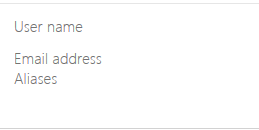
Log onto your Email Portal | Select Users, and select the User | Connected Accounts | Select Aliases and add as required:
How to: Gmail
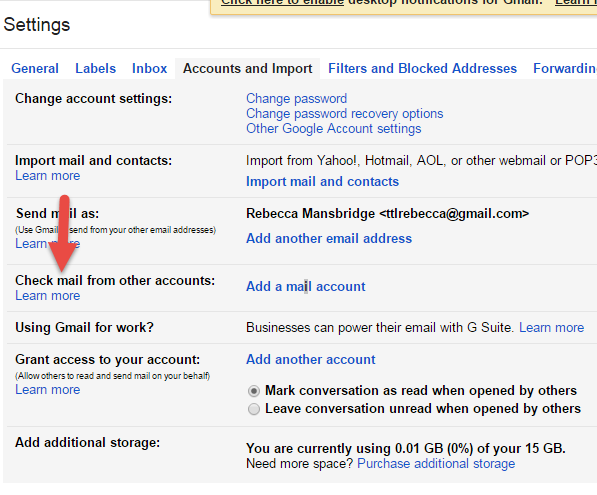
Log onto your Email | Settings | Check Mail from Other Accounts, Add mail account |Enter the email address and click Next | Select whether to import or Link | Enter password and select options | Click Add Account
How to: Outlook Email
Log onto your Email | Settings | Connected Accounts | Add a connected account

Rebecca Mansbridge
Technology Tamed
March 2017
If you found this of interest you may also like Housekeeping: Lapsed Email Accounts
Thank you for reading this Quick Tip. We are providing a quick tip to help you manage your IT and computers every month in 2017. If you would like help with this or anything else, please contact us on 01787 881475 or email me at contactus@technologytamed.com.

Do you trust your IT company to help you manage your email?
Our customers have been trusting us for over 22 years.