
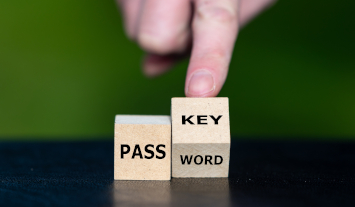
You may have noticed that recently when you are signing into sites, you get asked to create passkeys. It feels like ‘the world’ has decided that is what everyone is going to use from now on. So what are they, and why do they want you to create one?
Read on to find out.
What Are Passkeys?
FIDO – Fast IDentity Online
In 2013 a group of organisations set up the FIDO Alliance, with a mission to develop authentication methods for consumers that would reduce the use of usernames and passwords. This is because they felt these were slow and insecure.
Current board members of FIDO include Apple, Google, Microsoft, Amazon, American Express, Dell, Meta, LastPass and a lot more. Organisations that are big in our online world.

Passkey Methods
FIDO supports a lot of different methods – biometric, lockscreen pin, QR codes, USB security tokens, Smart cards, eSE (this technology is often used for digital car keys and secure wallet transactions), TPM (this is now installed by default on most modern computers – you just probably never knew it), NFC (this technology is used for wireless charging of devices).
In 2022 Apple, Google and Microsoft launched support for passkeys and this is now used for any FIDO credential method. So, be aware that different organisations can mean different things when they ask you to create a passkey.
How Passkeys Work

Passkey Methods
To keep it simple, passkeys use ‘cryptographic pairs’.
In other words you, the user, will register with a service (for example Apple account). When you do this a ‘key pair’ will be generated using one of the FIDO authentication methods (such as a fingerprint on your phone) with the service (the Apple site). The service (in this case the Apple account) trusts that pair and that pair alone (so it wouldn’t accept my fingerprint for example).
Why Do They Want You To Use Passkeys?
There are a lot of reasons why these FIDO Alliance organisations are pushing you to set up and use passkeys. Including:

No Passwords
Despite the best endeavours of countless people and organisations, many people still use one password for everything. Also, that password is often very week. So, if a criminal gets access to one password, they can get access to multiple sites.
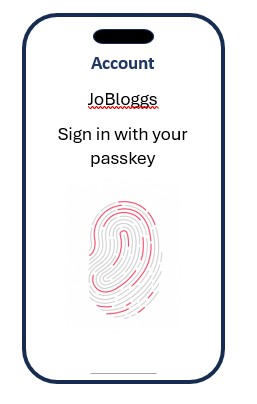
Passkeys Linked To A Specific Site
Passkeys use a ‘key pair’. So, if for example you set up a passkey to the Amazon server, no criminal could fool you by getting you to go to an Amazon1 server or Amaz0n server.

Passkeys Can Be Linked To One Device
Many passkeys will be linked to a specific device, such as your phone. So, to access the account, criminals will have to have access to that device. They can’t get access using a computer in Russia for example.
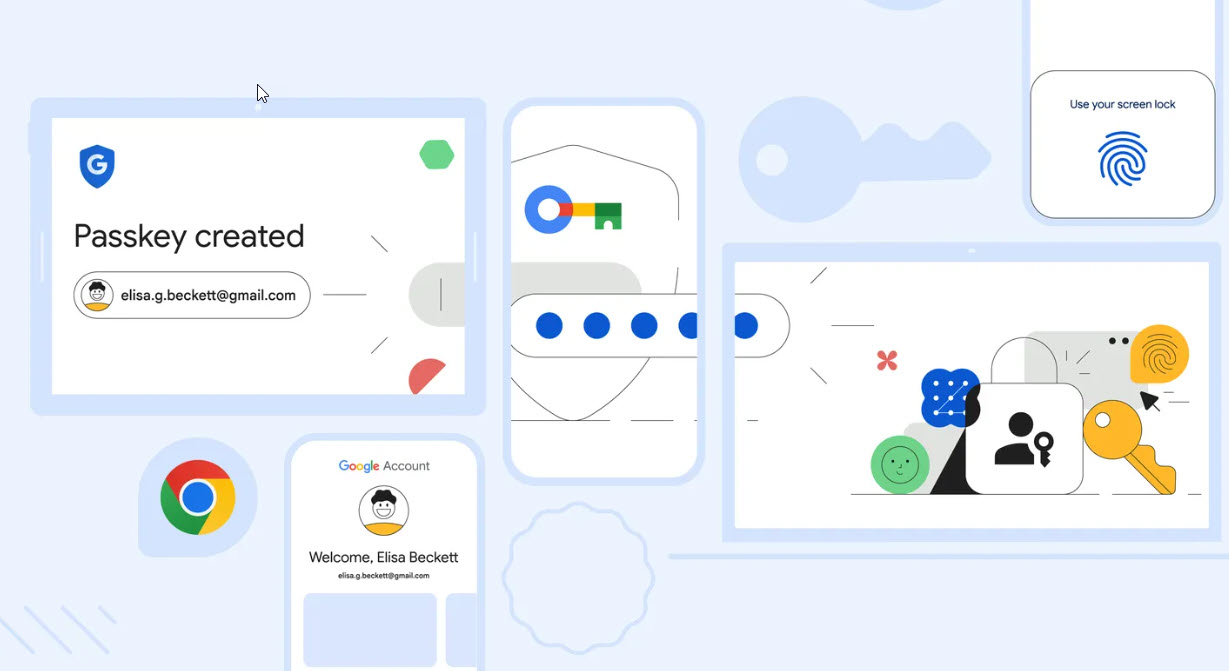
Passkeys Can Be Linked To One Account
Many passkeys are linked to a ‘remote sync fabric’ – techy words for Apple, Google and Microsoft accounts. This means you can, for example, save all your passkeys to Google Chrome on your computer and then access them using Google Chrome on other computers.
Crucially, you won’t need to remember every one of the usernames or email addresses needed to access each site. Nor will you be asked to set up and remember a password for each site. It will all be done for you via your phone or the ‘remote sync fabric’.
So, there are lots of good reasons to use passkeys. There are a couple of things you need to think about before you start using them though. Especially if you are a small business. I will be exploring these considerations in my next blog.
Rebecca Mansbridge
October 2026